
Tasks with real consequences
Create chores with due times for each child. If something goes overdue, taskr blocks the apps you chose until you approve their photo submission.
Watch it happen
This is the mechanic that makes taskr work — no nagging required. The apps pause on their own and come back the second you approve.
The taskr loop
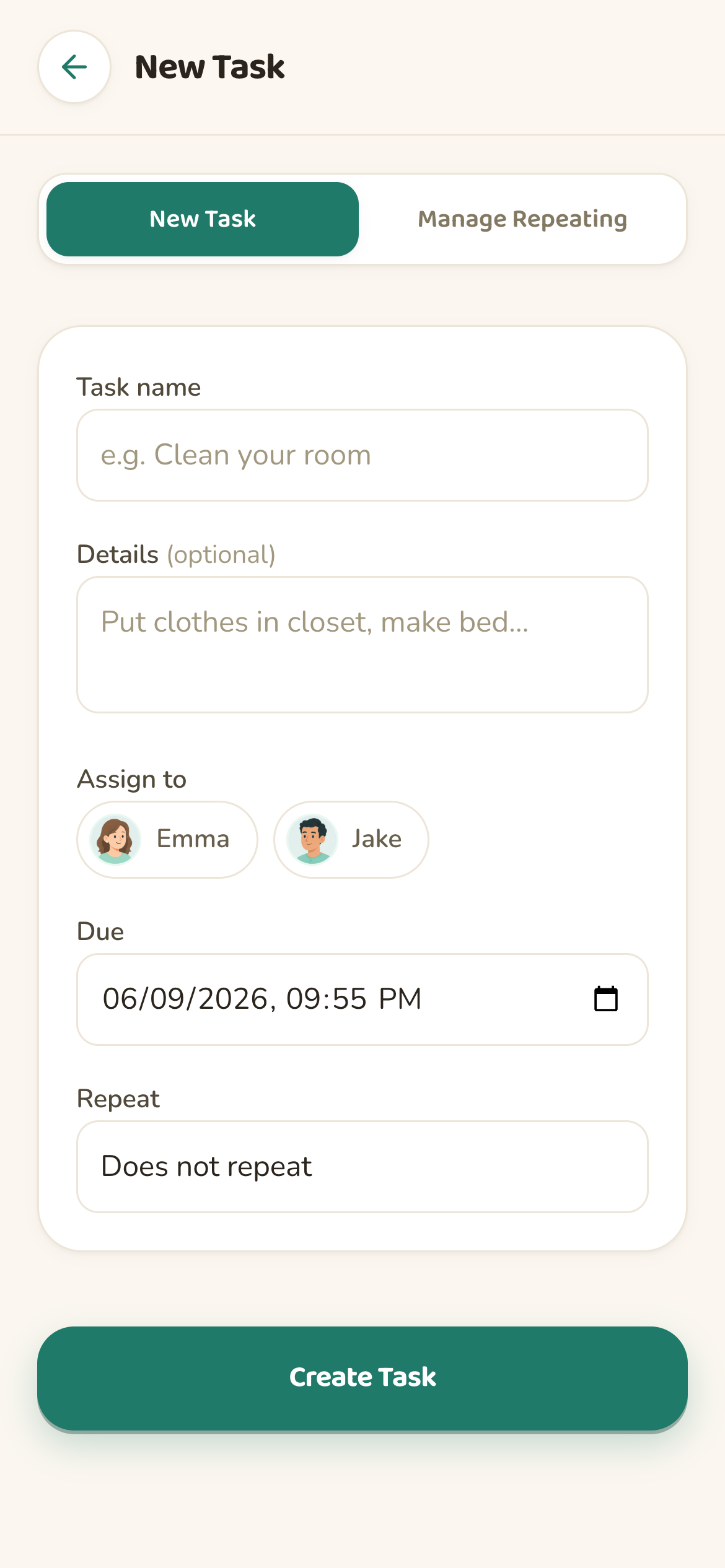
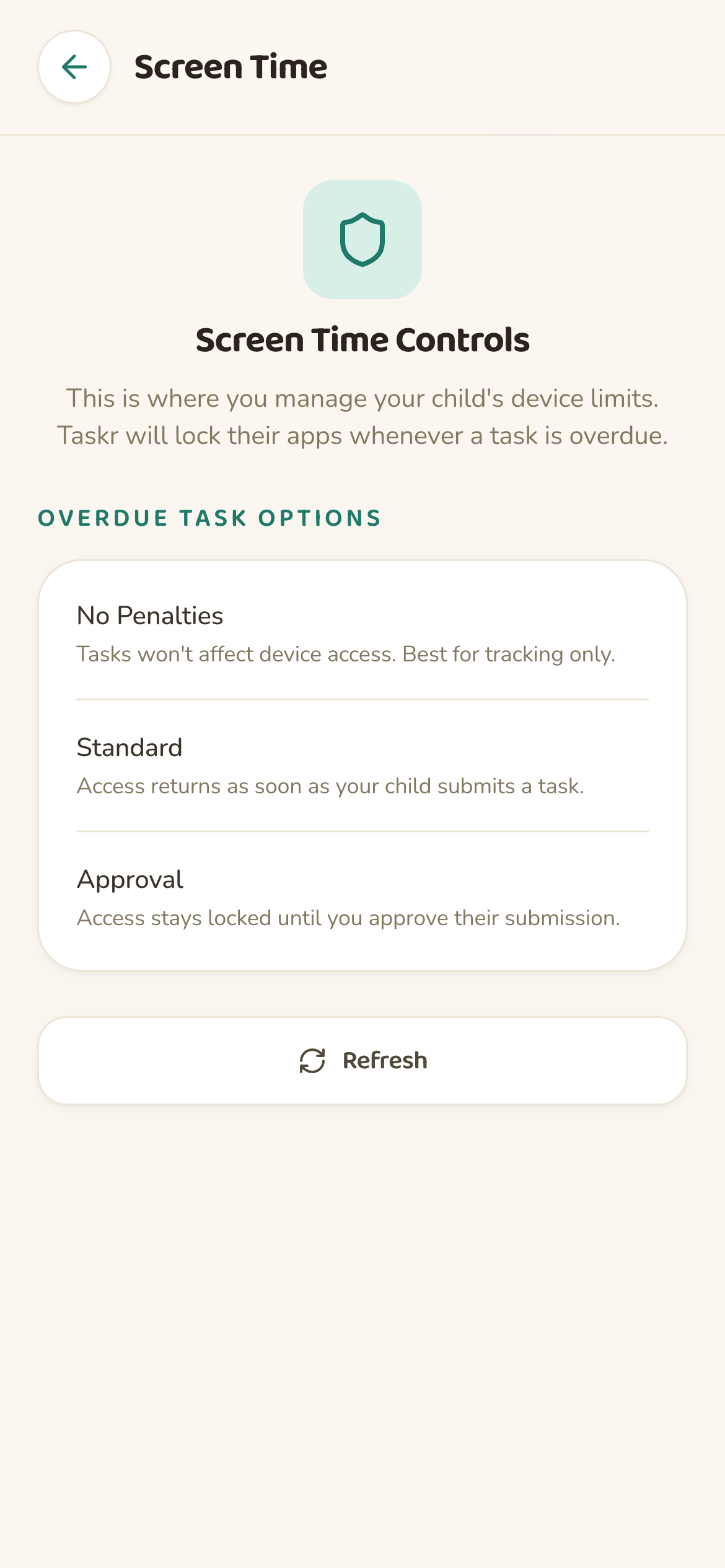
Three screens from the actual app — this is the whole loop your family runs every day.
Name it, pick a kid, set the due time, choose what locks if it's late. Repeat daily or weekly.
When they finish, they snap a photo. You review it anywhere and approve or reject in one tap.

Approved means apps come back instantly. Overdue means the apps you picked lock until you approve. You choose the strictness.
Features
Powerful for parents. Simple enough for kids. Built directly on Apple Screen Time.
Create chores with due times for each child. If something goes overdue, taskr blocks the apps you chose until you approve their photo submission.
Kids snap a photo when they finish a chore. Approve, reject, or add feedback from your phone. Screen Time updates instantly.
Choose which apps or categories lock when a task is late. Keep school apps, calls, and messages open while distractions stay blocked.
taskr uses Apple's Family Controls framework, so blocks are sandboxed by iOS and fully under your supervision.
See what is due, overdue, blocked, and waiting for review — all in one view, refreshed live.
Set a different rule for every chore. Block games during homework, allow messaging during dishes, and more.
taskr vs. Apple Screen Time
Apple Screen Time is powerful — but it has no idea what your kids are supposed to be doing. taskr fills the gap.
Feature
taskr
Standard Screen Time
Approving a photo lifts Screen Time limits the moment you tap approve.
Parents must manually change limits with no link to chores.
Late tasks trigger the Screen Time rules you chose. Zero extra steps.
No automatic link between chores and app blocking.
Kids submit a photo. You approve, reject, or send feedback from anywhere.
No proof of completion or parent review built in.
Pick specific apps, categories, or whole-device limits per task.
Only daily totals and schedules. No per-task targeting.
See what's due, overdue, blocked, and awaiting approval in one view.
Only daily device usage. No task context.
Built entirely on Apple Family Controls and Screen Time APIs.
Apple's own Screen Time settings.
Real-life setups
A few patterns families set up on day one.
Set homework due at 5:30. If it slips, games and social lock until you approve a photo of the completed worksheet.
Recurring task at 8 PM. YouTube locks if it's not done. Photo of the empty sink, you approve, apps come back.
Weekly chore due at noon. Block social media until clothes are off the floor and a photo of the clean room is in.
taskr is built the way a parental control app should be built.
Sandboxed by Apple. Nothing taskr does is outside what Apple authorizes for parental control apps.
Family data is encrypted in transit and at rest. We never sell data and we run no ads.
Built with SwiftUI. Feels like a system app on iPhone and iPad on iOS 16+.
FAQ
About chore apps, Screen Time, and Apple Family Controls.